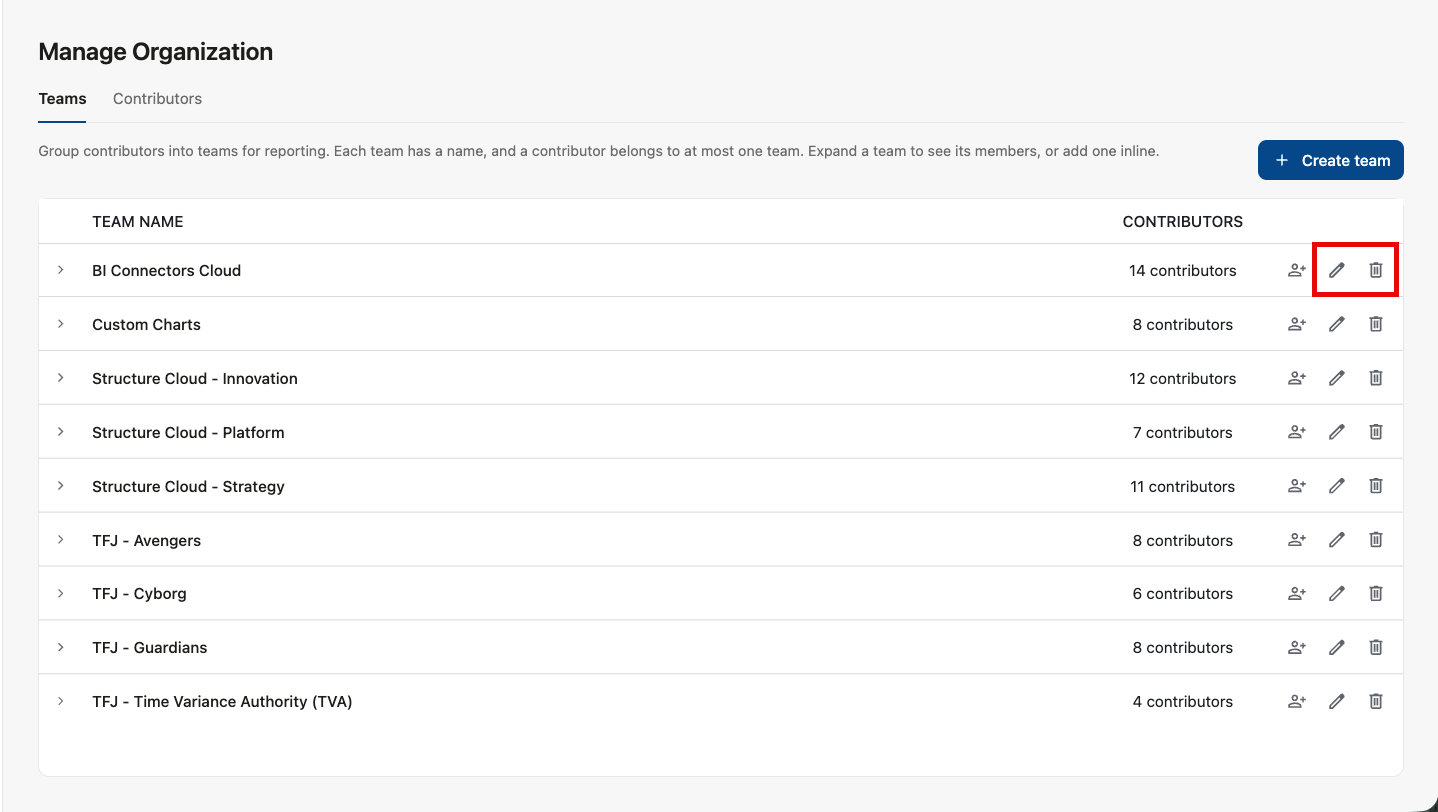
In order to do team-level analysis of your AI spending, you first need to create and configure teams using Settings | Manage Organization | Teams.
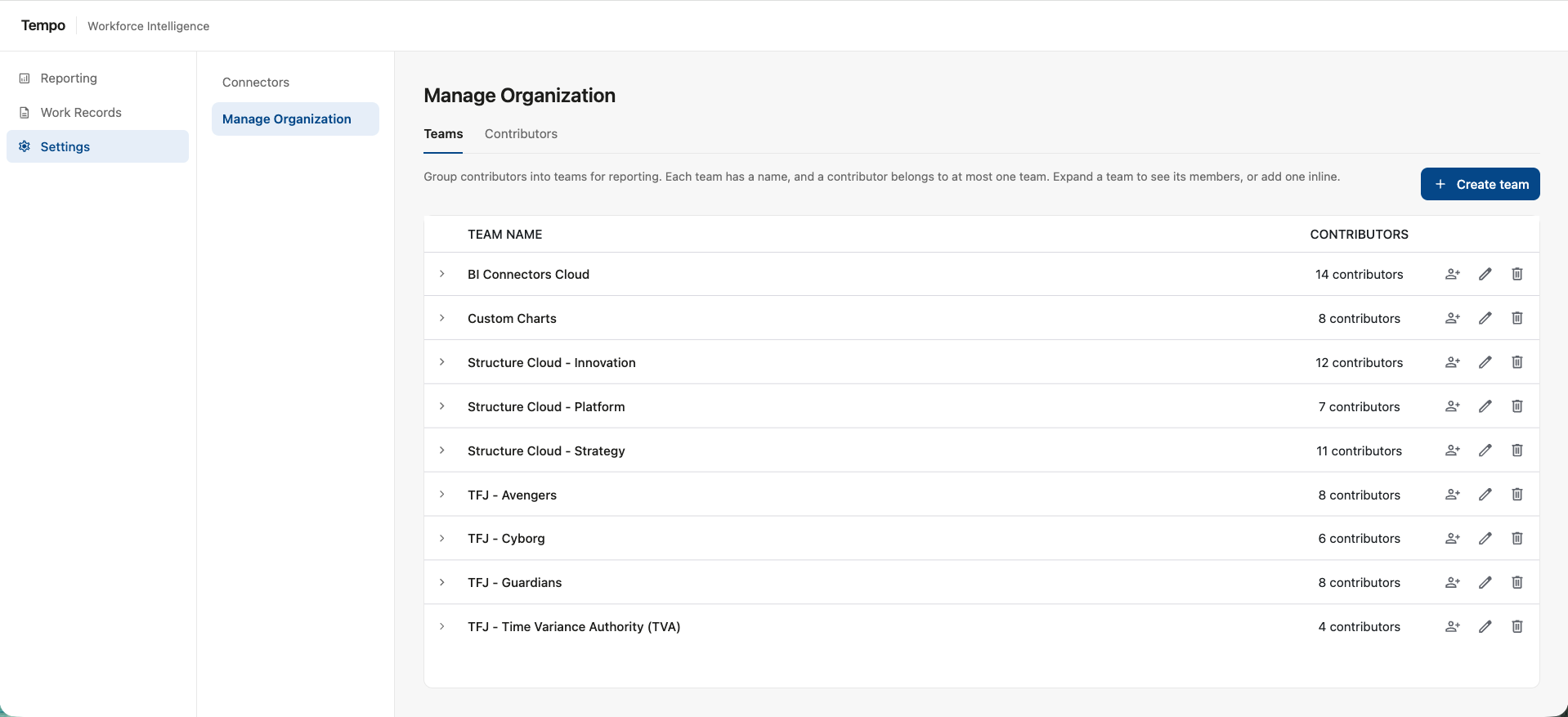
Creating Teams
To create a team:
-
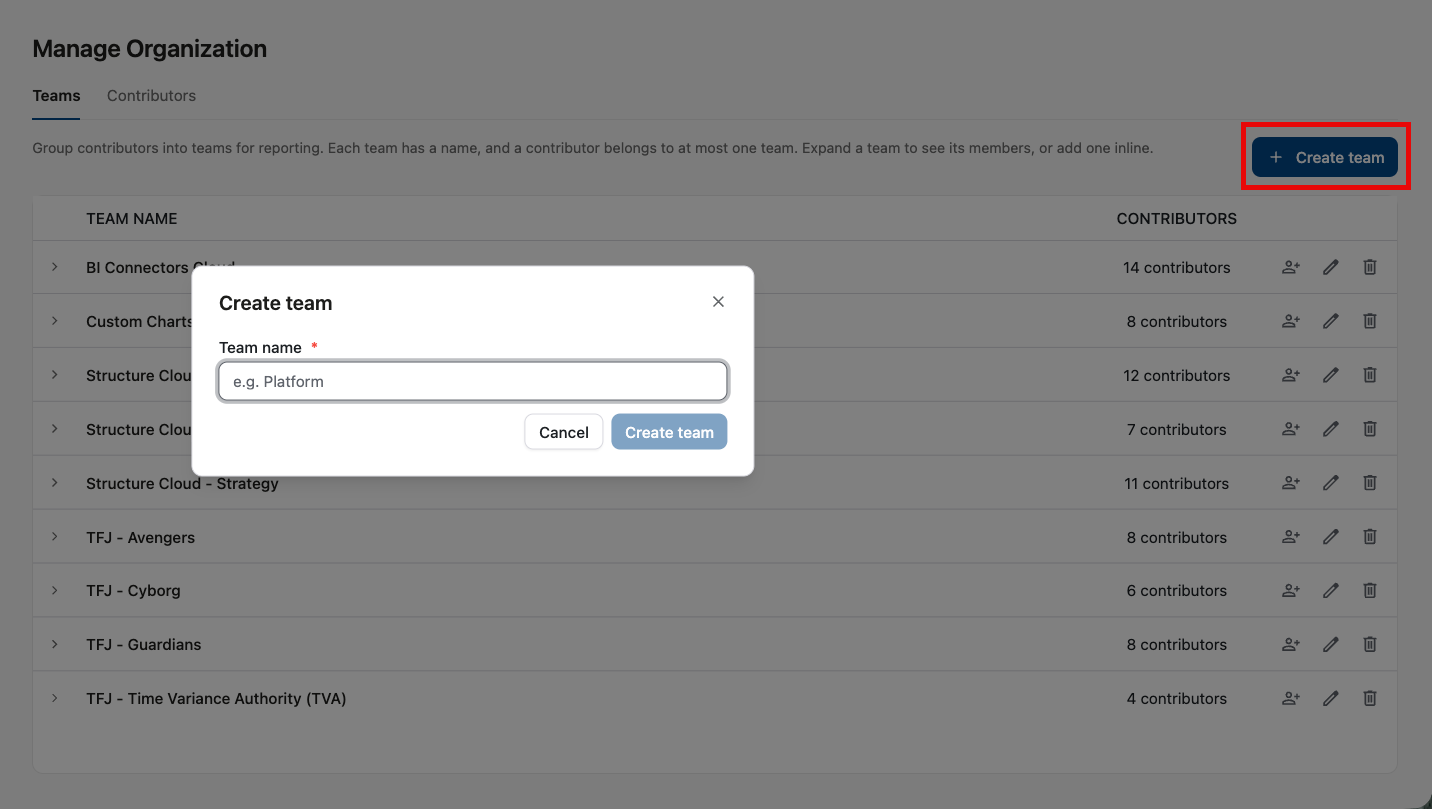
Click the + Create team button
-
Assign the team a name
Managing Team Members
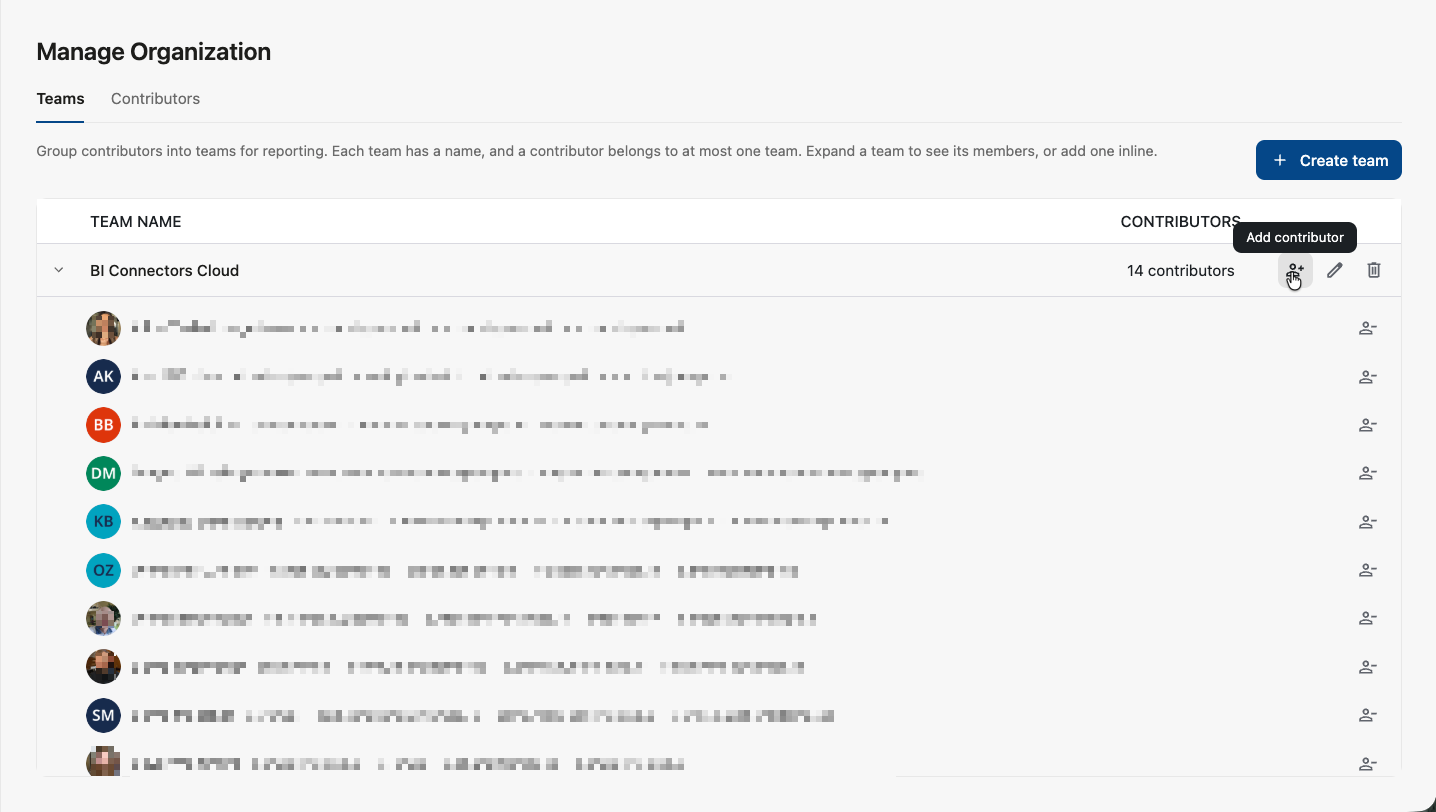
Click a team name to view and manage the contributors assigned to that team.
Adding Team Members
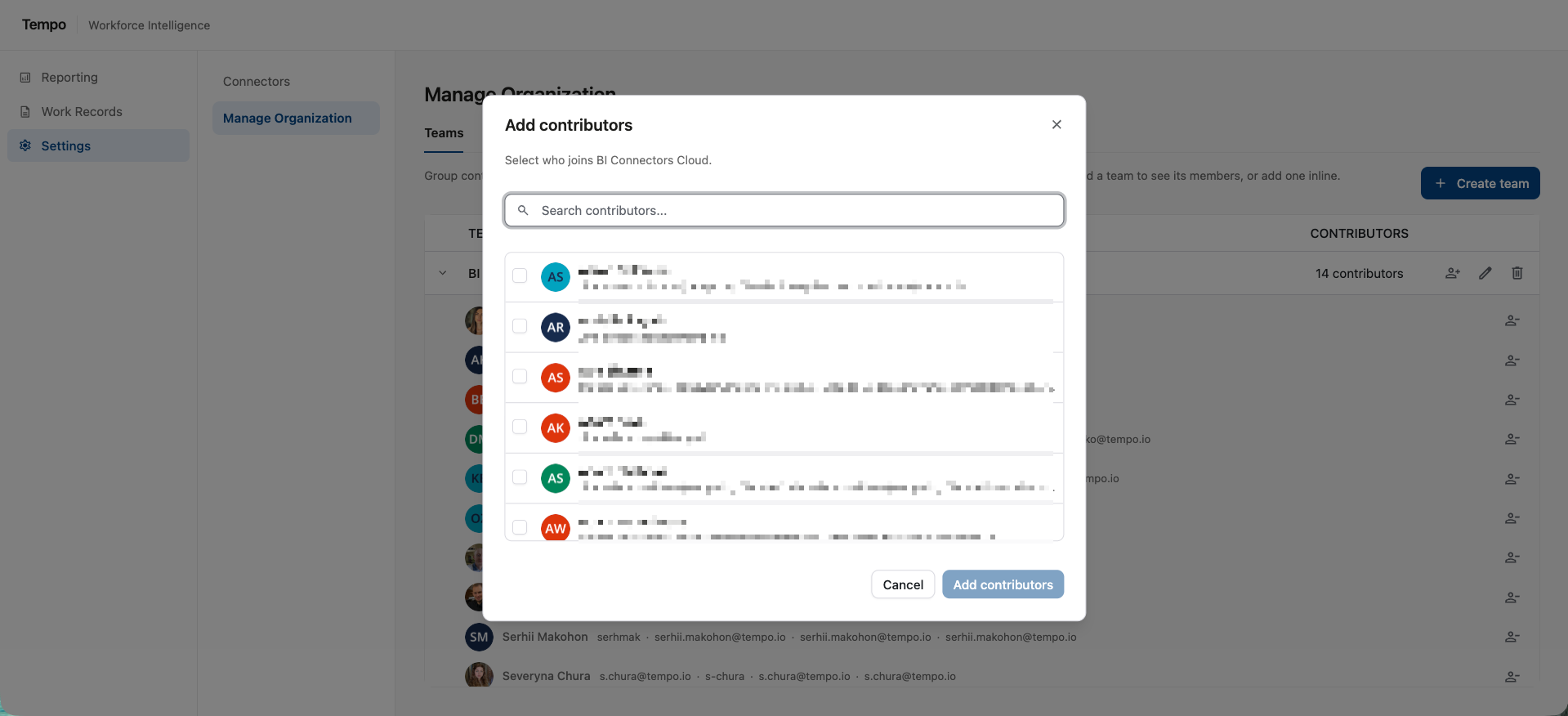
To add contributors to a team, click the Add Member button and locate them in the Add Contributors list.
Removing Team Members
To remove a contributor from a team, locate the member and click the Remove Contributor button.

You can also change a contributor’s team from the Contributors screen.
Editing a Team
-
To change a team’s name, locate the team and click the pencil icon
-
To delete a team, click the trashcan icon